Reel එකක් බලන කෙනා තත්පර 2න් තීරණය කරනවා බලනවද scroll කරනවද කියලා. In this guide, you will learn seven CapCut effects and editing tricks that keep viewers watching until the end. Phone එකක් සහ free CapCut app එක තිබ්බොත් ඇති – expensive equipment ඕන නෑ.
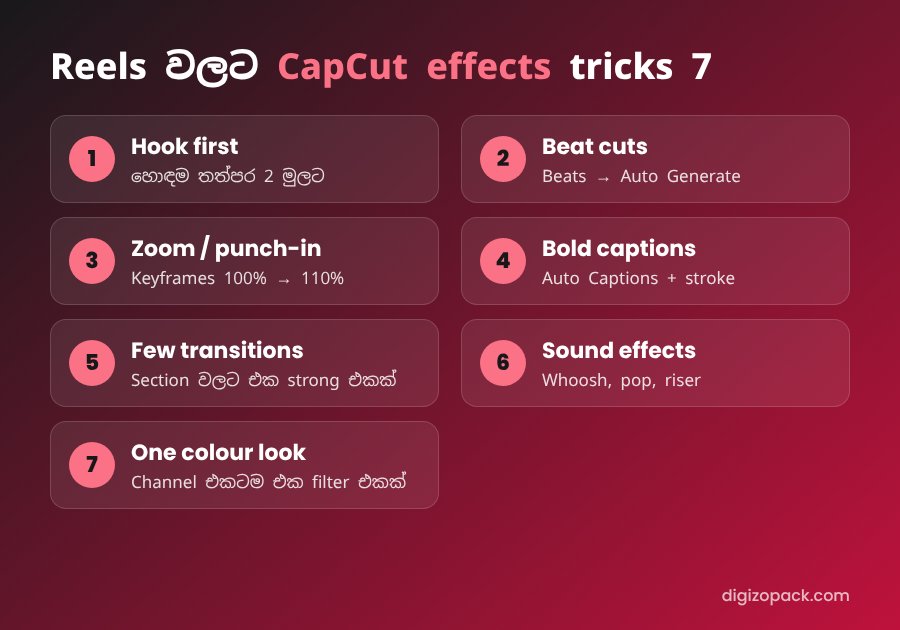
1. Start with a strong hook
Put your best moment or your main sentence in the first one or two seconds. In CapCut, use Split to cut your strongest clip and move it to the front. Then show how you got there. For example, show the final result first, and then the “before”.
2. Cut on the beat
Music එකට ගැලපෙන්න cut කළාම video එක ගොඩක් smooth වෙනවා. Select your music track and use the Beats option to auto-generate beat markers. Next, cut each clip on a marker. As a result, the video feels like it moves with the music.
3. Use zoom and punch-in CapCut effects
A frame that never moves feels boring. So, add a slow zoom with Keyframes – for example, scale from 100% to 110% over a few seconds. Also try a quick punch-in on an important word. These simple CapCut effects keep the eye busy without distracting from the message.
4. Add bold auto captions
Most people watch Reels without sound. Therefore, captions are not optional anymore.
- Go to Text → Auto captions and generate the captions.
- Choose a large, bold font and add a black stroke.
- Highlight one key word per line in a different colour.
- Keep each line short – වචන 4–6ක් විතරයි.
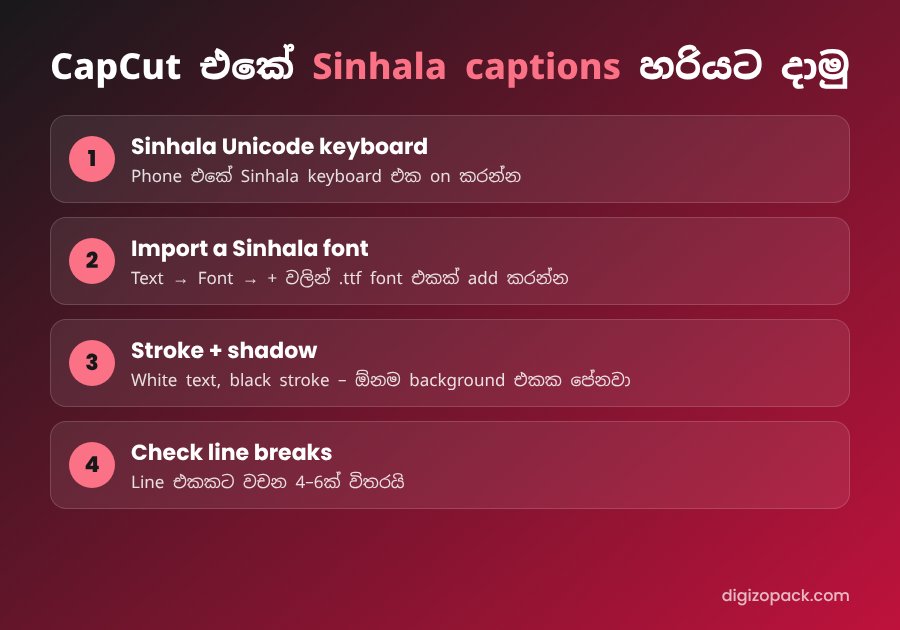
Sinhala captions in CapCut
Sinhala captions දාද්දී අකුරු කැඩෙනවා නම් මේ ටික check කරන්න:
- Sinhala Unicode keyboard: turn on a Sinhala keyboard on your phone, such as Gboard with Sinhala.
- Font support: not every CapCut font supports Sinhala. Test a full sentence before styling the whole video. On CapCut desktop, you can also use Sinhala fonts installed on your computer, such as Noto Sans Sinhala.
- Stroke and shadow: white text with a black stroke is readable on any background.
- Line breaks: Sinhala words are longer, so check that lines don’t go outside the screen.
5. Use CapCut transition effects carefully
One strong transition between sections works better than a transition on every cut. Whip, zoom and glitch transitions suit fast content. Smooth fades suit calm content such as travel and food. හැම cut එකටම transition දැම්මොත් video එක cheap වගේ පේනවා.
6. Add sound effects
Sound effects make edits feel professional, even when viewers don’t notice them consciously.
- Whoosh on transitions and fast zooms.
- Pop or click when text appears.
- Riser before a big reveal.
An audio assets pack gives you a ready library, so you don’t search for sounds every time.
7. Keep one colour look
Use one filter or adjustment for the whole video, and reuse it across your channel. This way, people recognise your Reels before they see your name. CapCut එකේ adjustment එකක් save කරලා හැම video එකටම apply කරන්න.
CapCut effects not working? Quick fixes
- Update the app: new CapCut effects and templates often need the latest version.
- Pro-only effects: some effects need a CapCut Pro subscription.
- Low storage: clear the cache in CapCut settings if effects fail to download.
- Slow preview: lower the preview quality while editing; export quality stays the same.
Best export settings for Reels and TikTok
- Resolution: 1080p, vertical 9:16.
- Frame rate: 30 fps for most content, 60 fps for fast action.
- Safe zone: keep text away from the bottom and right side, where app buttons sit.
For official tutorials and new features, visit the CapCut website.
FAQ: CapCut effects for Reels
Are CapCut effects free?
Many effects, transitions and text styles are free. However, some premium effects need CapCut Pro.
CapCut එකේ Sinhala font දාන්නේ කොහොමද?
Use a Sinhala Unicode keyboard and choose a font that supports Sinhala. On desktop, installed Sinhala fonts such as Noto Sans Sinhala work well.
Which CapCut effects are best for Reels?
Beat cuts, slow zooms, bold captions and a few strong transitions. Combine them with sound effects for the best result.
Save hours with ready-made CapCut effects
Building every effect from scratch takes time. The CapCut Pro Edit Pack includes ready-made effects, transitions and text styles for Reels and TikTok, so you can edit faster and stay consistent. ඔයා Premiere Pro use කරනවා නම්, Premiere Pro Effect Pack – TikTok & Reels Edition try කරන්න.
👉 Get the CapCut Pro Edit Pack
Also read: how to use Lightroom presets.