Description
Pod Edit – Auto Podcast Editing Plugin for Premiere Pro
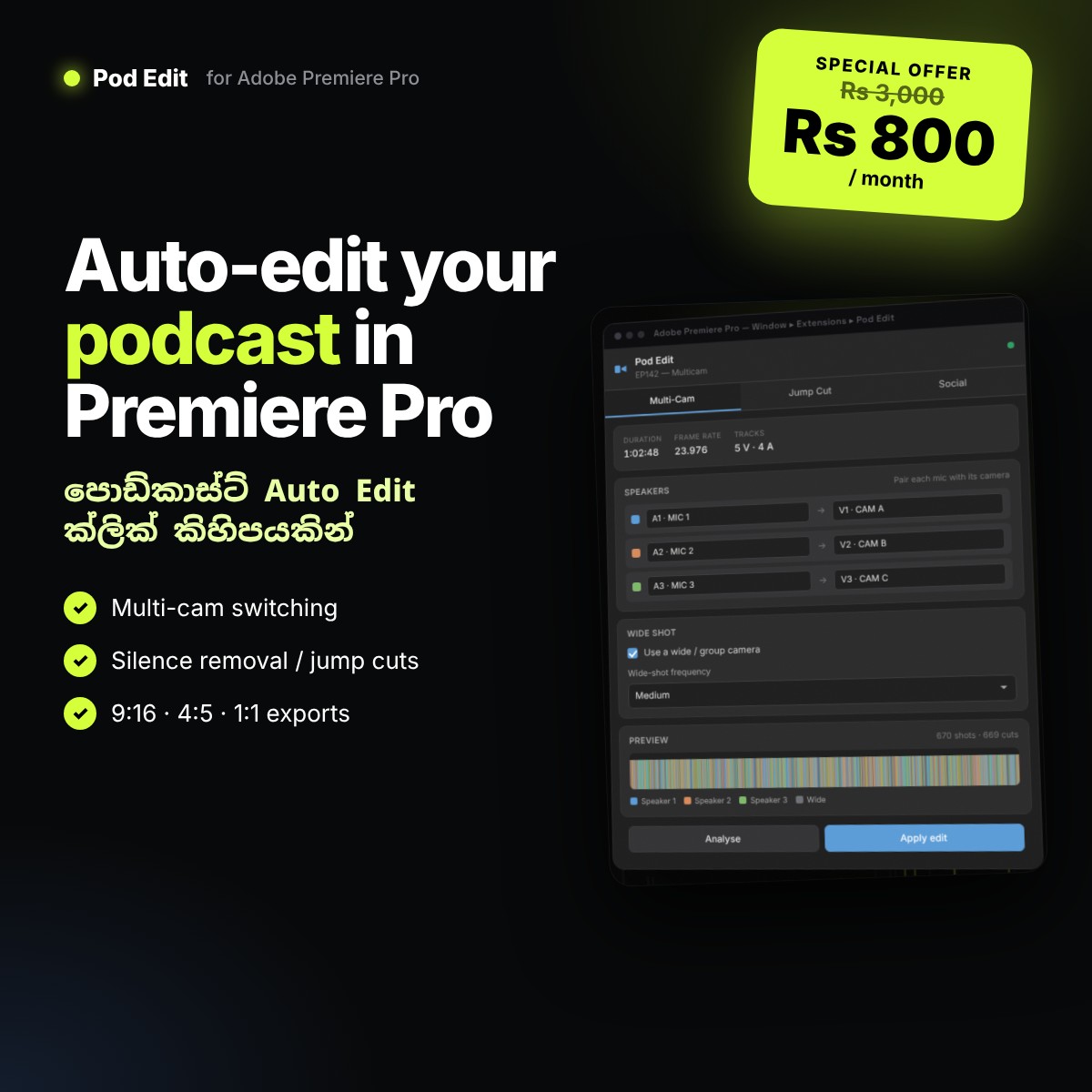
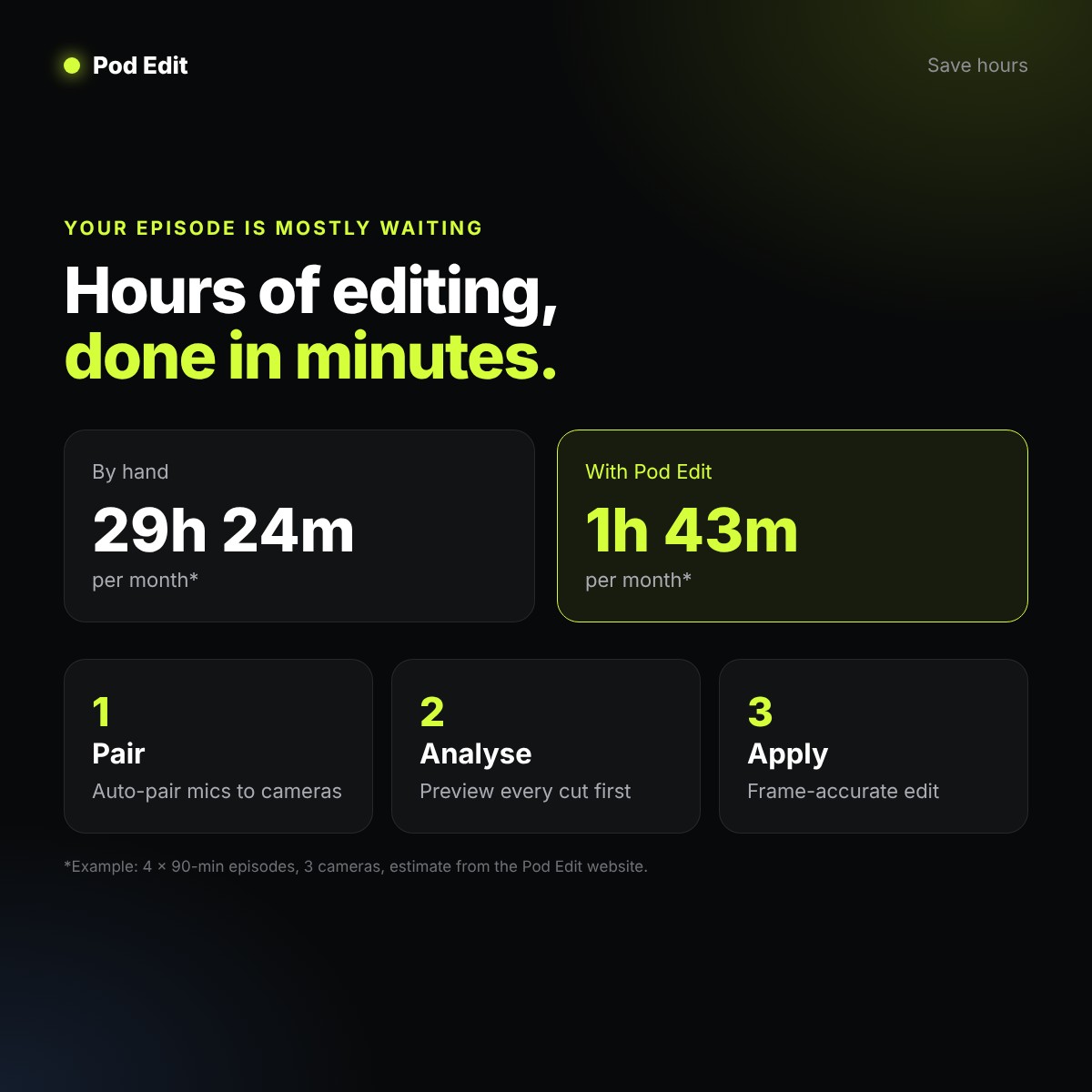
Pod Edit is an Adobe Premiere Pro extension that edits your podcast automatically. It listens to every microphone, works out who is speaking and cuts your multi-camera podcast for you – speaker switches, wide shots on crosstalk, and silence removed. A two-hour episode, edited in minutes instead of hours.
පොඩ්කාස්ට්, interview, talk show, YouTube video වගේ දේවල් කරන අයට Premiere Pro ඇතුලෙම podcast auto edit කරගන්න පුළුවන්. Audio සහ video tracks ටික automatically ගලපලා, නිශ්ශබ්ද කොටස් (silence) අයින් කරලා jump cuts හදලා දෙනවා. ඒ වගේම TikTok, Reels, Shorts වලට ගැලපෙන social media sizes වලට එකපාර export කරගන්නත් පුළුවන්.
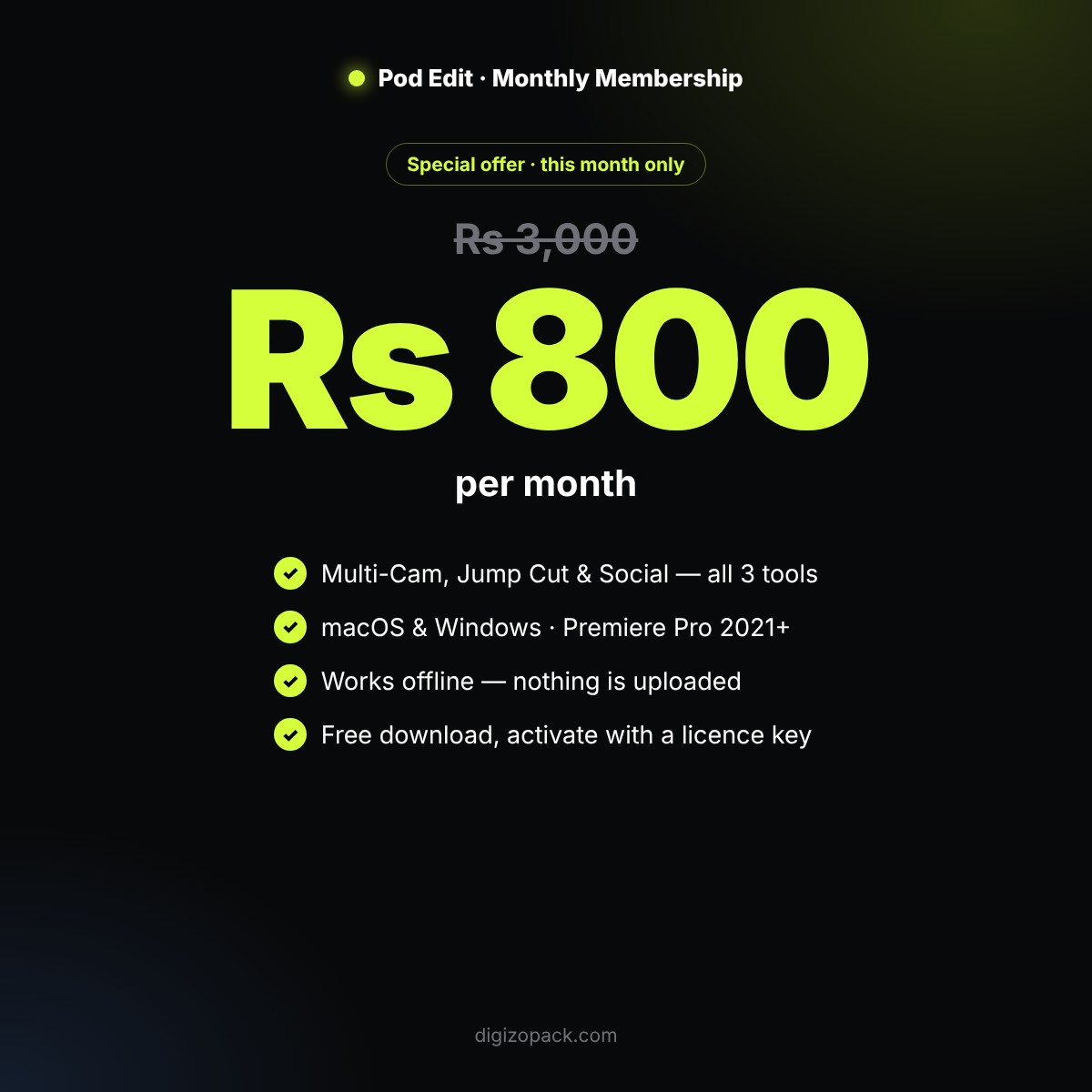
🔥 Special Offer – Rs 800 / month (this month only)
Regular monthly membership Rs 3,000. For November 2026 only, get Pod Edit for just Rs 800 per month.
3 Tools in One Premiere Pro Panel
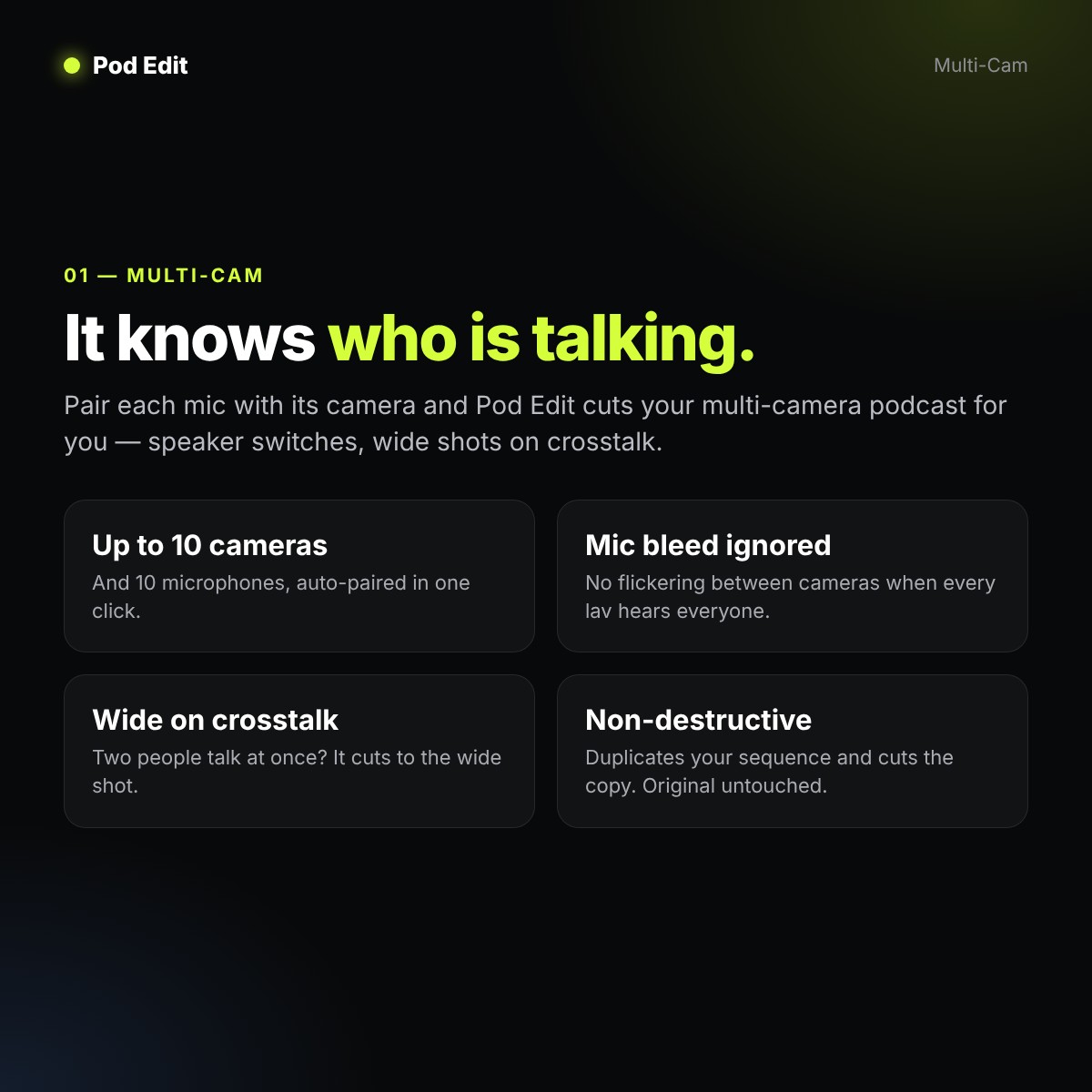
1. Multi-Cam – automatic multicam podcast editing
- Pairs each microphone with its camera automatically (Auto-pair).
- Cuts to whoever is speaking – up to 10 cameras and 10 microphones.
- Mic bleed suppression – no flickering between cameras.
- Cuts to the wide shot when people talk over each other.
- Colour-coded preview of the whole episode before a single cut lands.
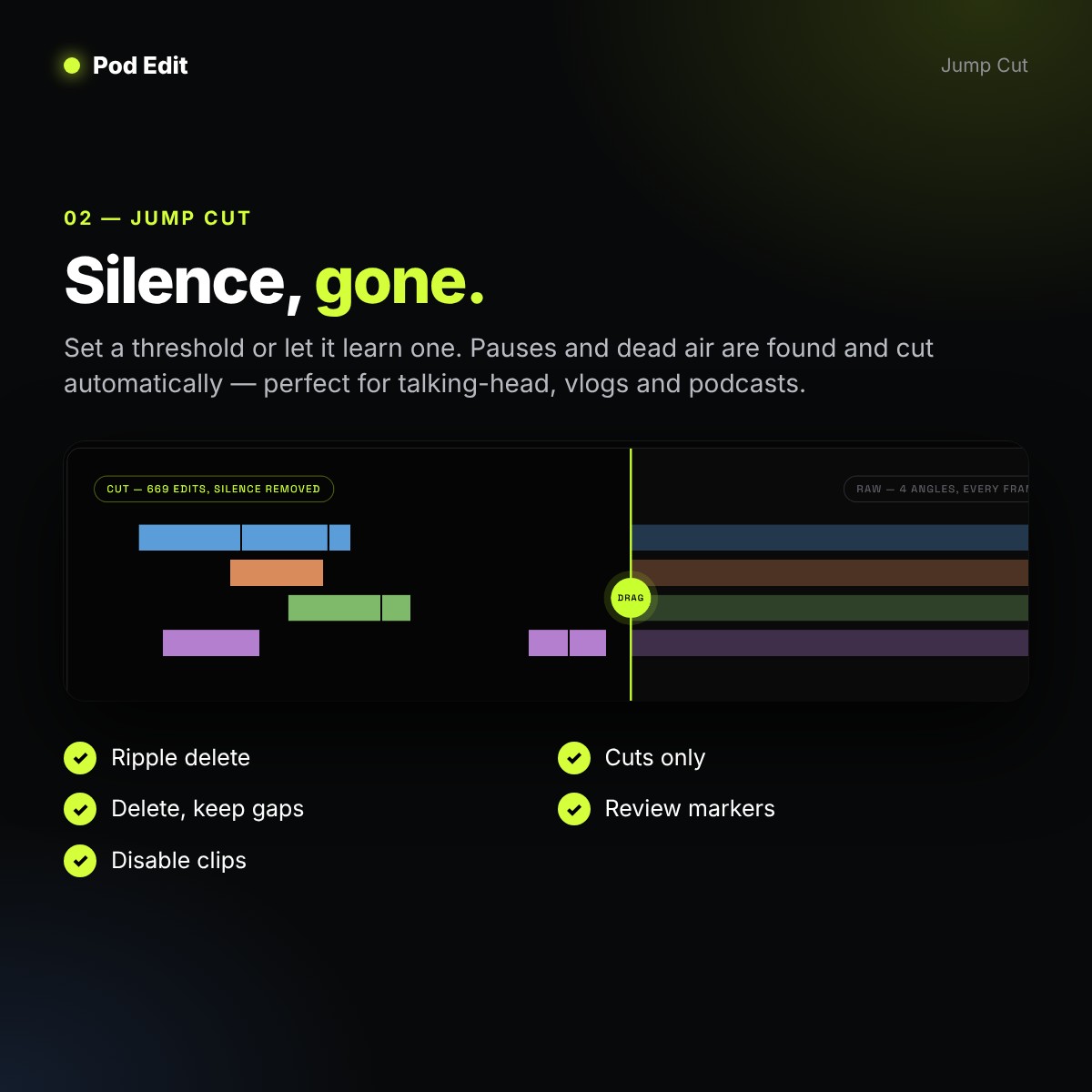
2. Jump Cut – automatic silence removal
- Finds pauses and dead air with your threshold, or learns one for you.
- Choose: ripple delete, delete and keep gaps, disable, cuts only, or markers for review.
- Perfect for talking-head videos, vlogs, tutorials and podcasts.
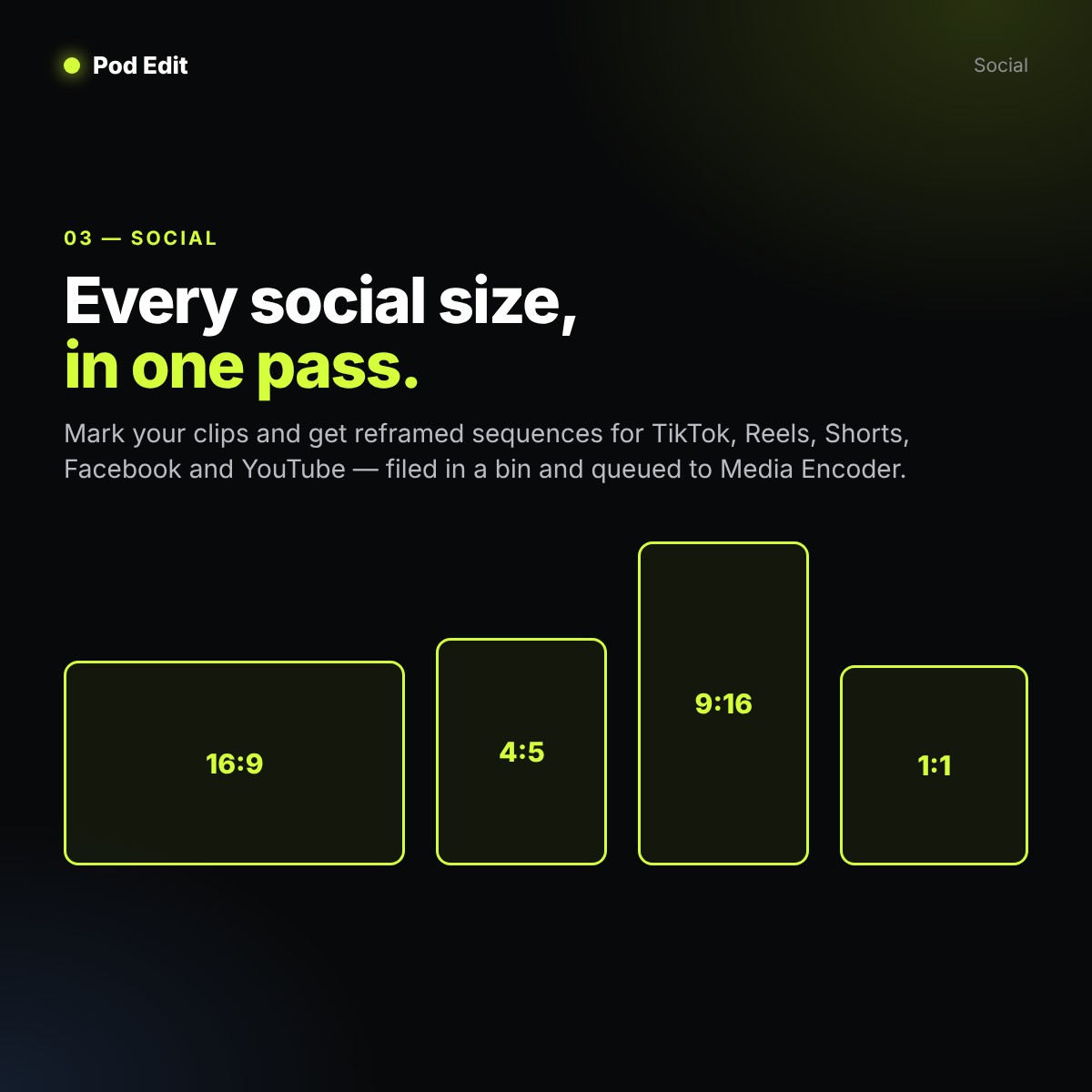
3. Social – every social media size in one pass
- Turns in/out points or markers into 9:16, 4:5, 1:1 and 16:9 sequences.
- Reframed, watermarked, filed in a bin and queued to Adobe Media Encoder.
- Ready for TikTok, Instagram Reels, YouTube Shorts and Facebook.
How It Works
- Pair – open your multi-camera sequence and press Auto-pair.
- Analyse – Pod Edit measures speech per mic, removes bleed and plans the shot list.
- Apply – it duplicates your sequence and cuts the copy, frame-accurately. Your original is never touched.
Why Editors Love Pod Edit
- Fast – audio analysis takes about 1.5 seconds per hour of audio, per track.
- Private & offline – everything runs on your computer. Nothing is uploaded.
- Presets per show – save speakers, cameras and thresholds, reuse them next week in one click.
- Frame-accurate & drop-frame safe.
Requirements
- Adobe Premiere Pro 2021 (15.0) or newer
- macOS 11+ (Apple silicon & Intel) or Windows 10/11 (64-bit)
- Python 3.9+ (found automatically) · ffmpeg optional (one-click install from the panel)
- No internet needed for editing
For Podcasters Everywhere
Made in Sri Lanka for podcasters, YouTubers and video editors worldwide – whether you edit in Colombo or in the UK, Australia, Dubai, Qatar, Canada or the USA, Pod Edit takes the boring part of podcast editing off your hands inside Adobe Premiere Pro.
FAQ
Can I try it before I buy?
Yes. The panel is free to download from epicxel.net/PodEdit. It asks for your licence key the first time you open it.
Does my audio get uploaded anywhere?
No. Pod Edit has no account, no server and no telemetry – everything runs on your machine.
Does it work on Mac and Windows?
Yes – one licence works on both macOS and Windows.
What do I get after buying?
A one-month Pod Edit licence key with all three tools: Multi-Cam, Jump Cut and Social.

Reviews
There are no reviews yet.